Exposure
Iris, shutter angle or speed, ISO and frame rate, including off-speed. Or let the camera set exposure for you.
Control your Blackmagic camera right from your phone.

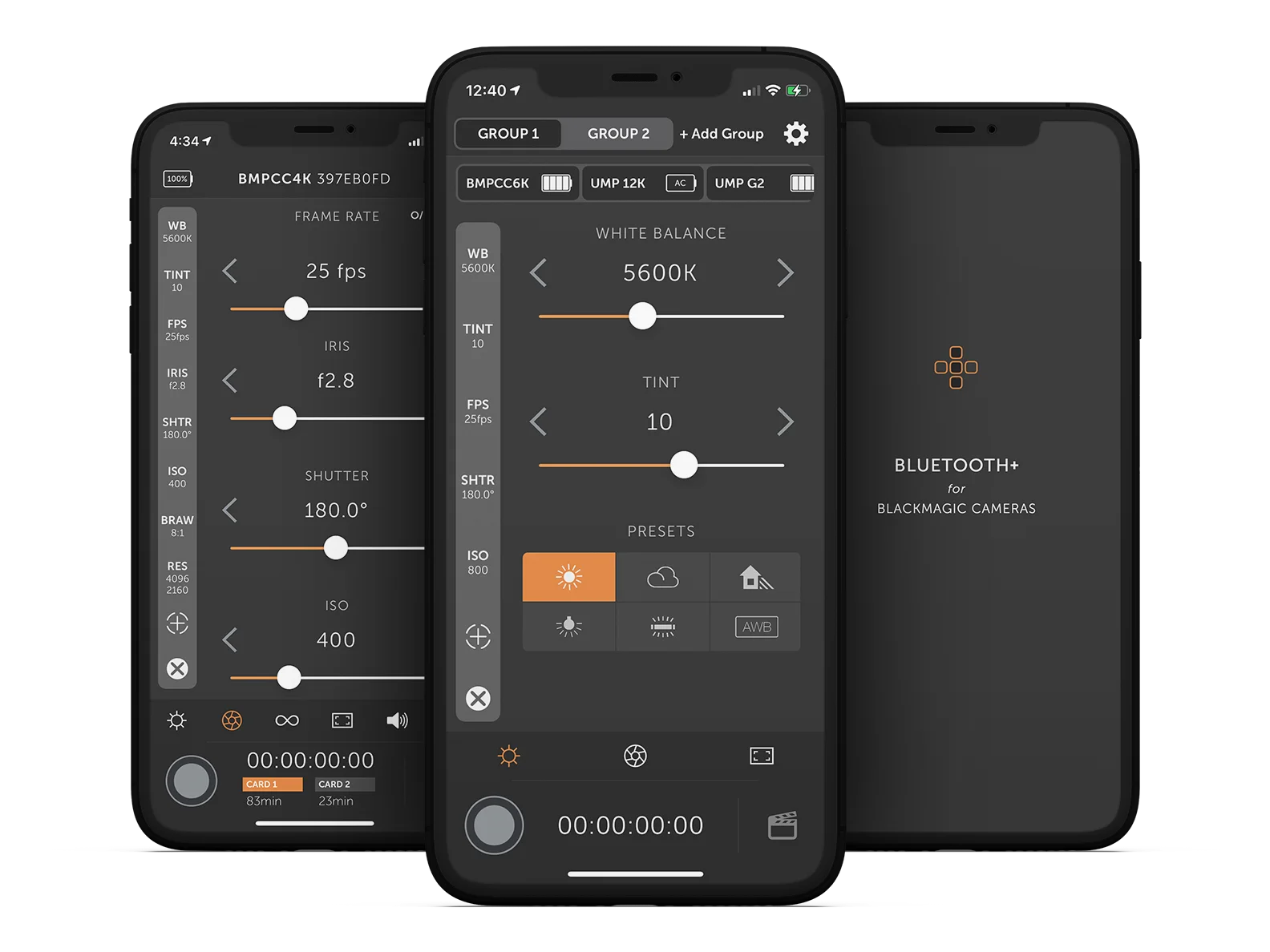
Bluetooth+ works with every Blackmagic camera that has Bluetooth.
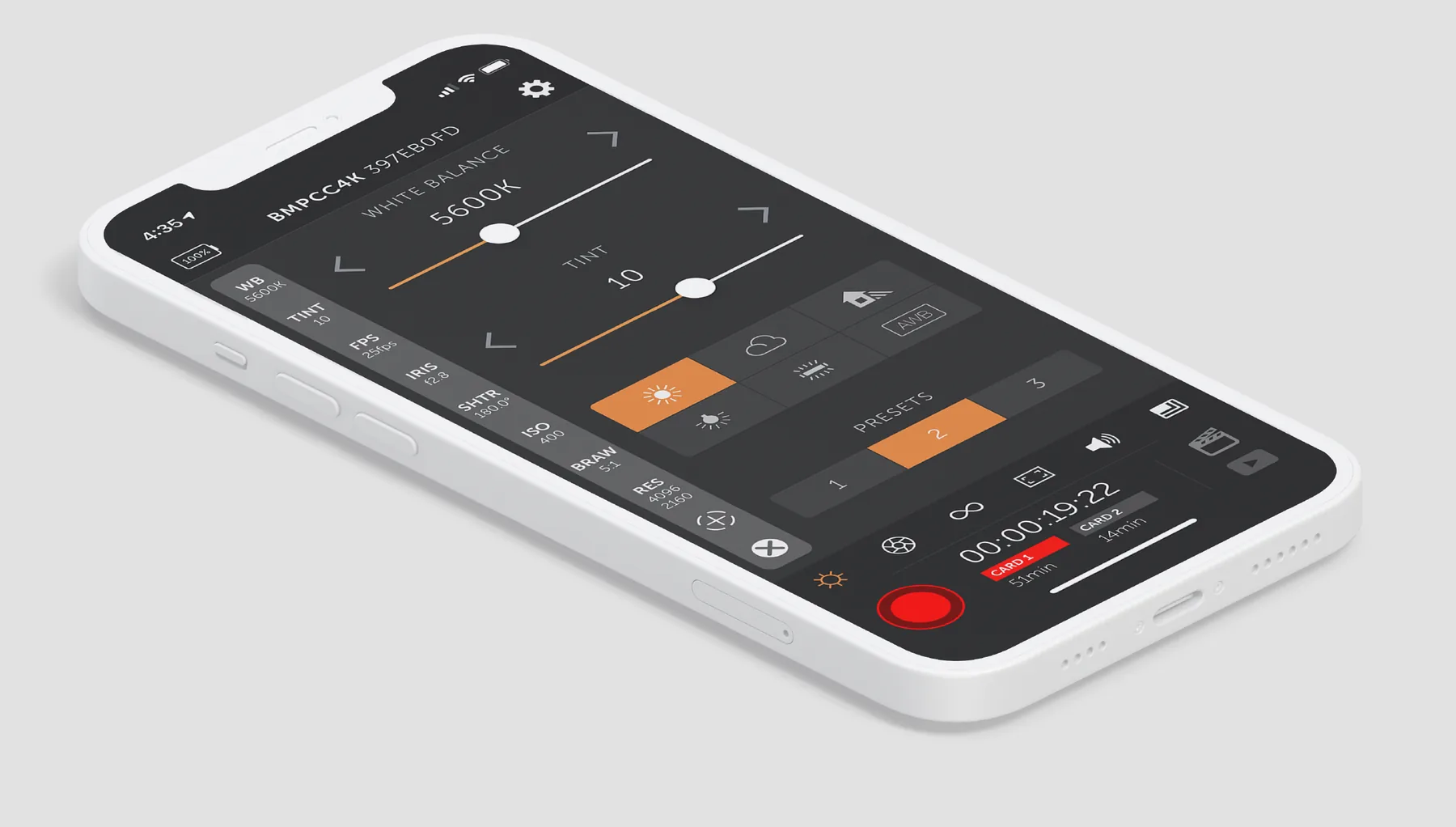
Everything here comes with the app. Change settings between takes without reaching for the camera’s menus.
Iris, shutter angle or speed, ISO and frame rate, including off-speed. Or let the camera set exposure for you.
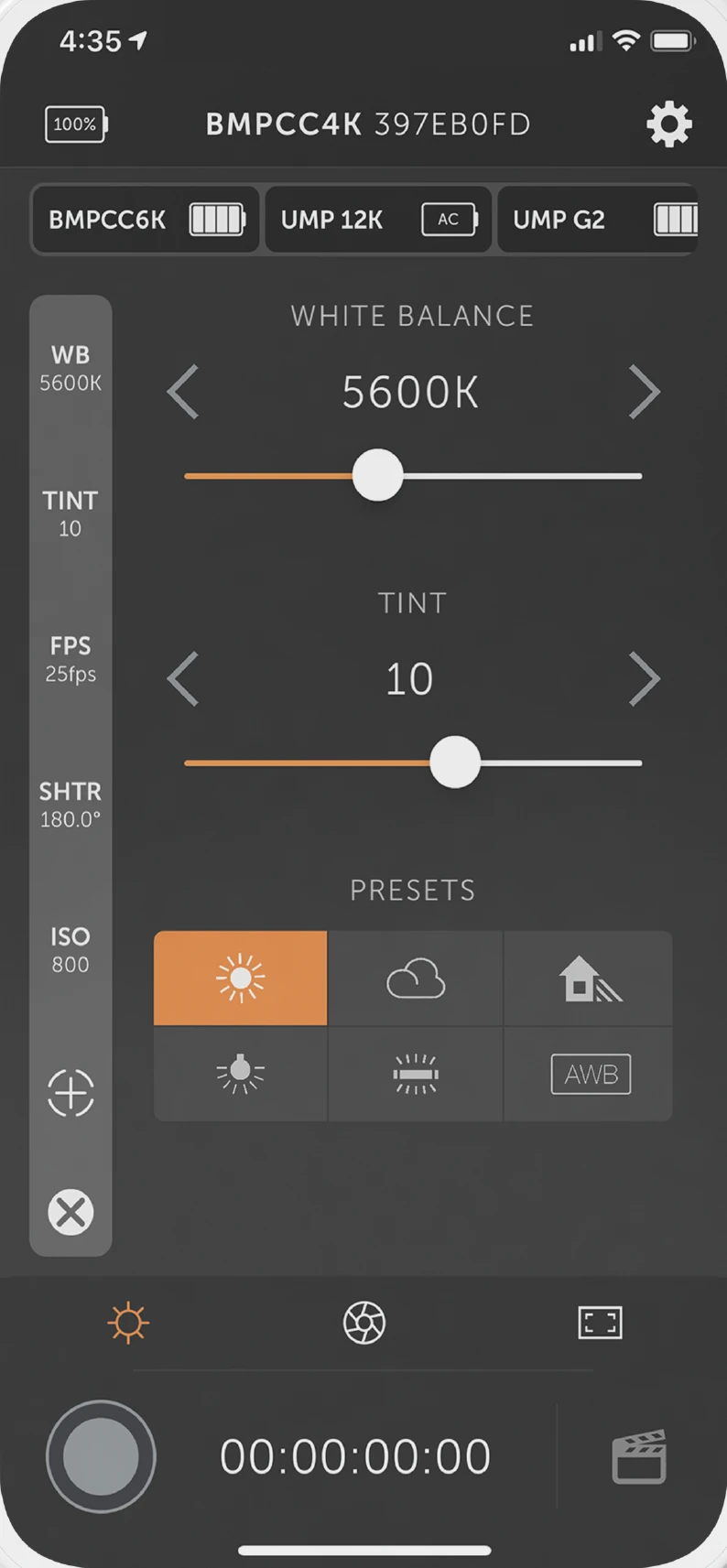
White balance and tint, five presets and auto white balance.
Pull focus, zoom on supported lenses and trigger autofocus.
Start and stop recording, take stills, change codec and resolution, switch cards and play back clips.
Scene, shot and take, saved with each clip, plus your phone’s location if you allow it.
Turn on monitor overlays, set audio levels and input, and power the camera on or off.
Change settings on a camera rigged to a gimbal, jib or car mount without taking it down. And decide who can change what.
Locks critical controls while recording, so nothing changes by accident mid-take.
Give an assistant the slate and nothing else. Settings and recording stay out of reach.
Bluetooth+ Pro
Pro is an in-app purchase that adds Multi-Cam and support for external controllers.
Control up to 12 cameras from one phone, in up to three groups. Change a setting on one camera and the rest of its group follows, or adjust each camera on its own.
Use a Tilta Nucleus Nano or Nucleus-M hand wheel for focus, iris and zoom, and to start and stop recording. Focus and zoom work with the Pocket Cinema Camera 4K.
Can’t find the answer? Email support@bluetoothplus.app and we’ll help.
Bluetooth+ works with every Blackmagic camera that has Bluetooth control:
Bluetooth+ runs on iPhone and iPad with iOS 13 or later.
About as far as the camera’s Bluetooth reaches: roughly 9 metres (30 feet) with a clear line of sight, and less through walls, rigging or people. Bluetooth+ is for controlling a camera nearby, not from across a large set.
First, forget the camera on your iPhone or iPad. Open Settings, then Bluetooth, and find it by its hardware ID (something like A:123ABC4D, also shown in the camera’s Setup menu).
Then clear known devices on the camera: in the Setup menu, scroll to Bluetooth and tap Clear All. Now connect again from Bluetooth+.
No. Blackmagic’s Bluetooth connection doesn’t have the bandwidth for video, and the camera has no way to send it.
Focus marks work on the Pocket Cinema Camera 4K. On EF-mount cameras (Pocket 6K, 6K Pro and URSA Mini Pro) the camera doesn’t report where the lens is focused, so Bluetooth+ can only move focus from wherever it is now. Without a known position, there’s nothing for a mark to return to.
Slow, deliberate pulls work well. Fast pulls can feel stepped, because Bluetooth sends changes in small increments, and on EF-mount cameras smoothness depends on the lens.
If you turn the focus ring by hand, the app won’t show it, because the camera doesn’t report the change.
Play a clip forwards or backwards, and skip between clips. The camera doesn’t allow pausing, changing speed or looping over Bluetooth.
Control your Blackmagic camera right from your phone.
For iPhone and iPad with iOS 13 or later.